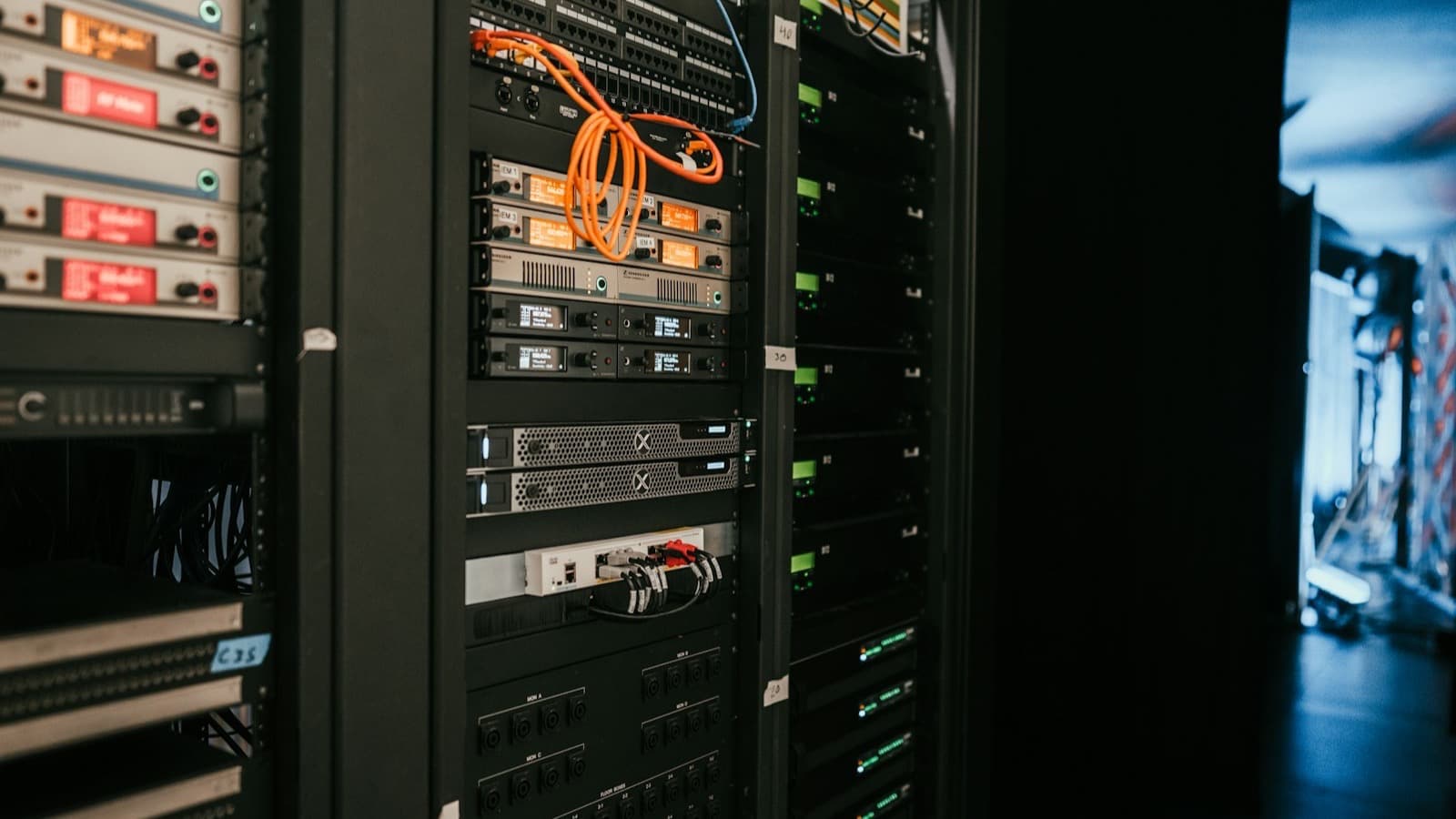
Running a demo of self hosted agent memory takes an afternoon. Running one for eight months, through a re-indexing job that ran long, a database restore nobody had rehearsed, and a bill that crept up without anyone noticing, is a different exercise entirely. This is what we learned doing the second one, not the first.
Most write-ups of self-hosted memory stacks stop at the docker compose file. That is fair; a setup guide has to stop somewhere. But the setup is the easy 20%. The other 80% is what this post covers: backup strategy, what actually needs monitoring, where cost creeps in, and the operational gotchas that only show up once real traffic and real time have passed.
What a self hosted agent memory stack actually looks like in production
Strip away the marketing and a self-hosted memory layer for AI agents is usually three moving parts: a Postgres database holding condensed records (sometimes with a vector column via pgvector, sometimes with embeddings stored as plain JSONB and matched in application code), a background worker that condenses raw source data into summaries, and an API or MCP surface agents actually call. Mem0's self-hosted server, for example, packages exactly this shape: a FastAPI server, Postgres with pgvector for embeddings, and Neo4j for entity relationships, all as separate containers you run yourself.
None of that is exotic. What is easy to miss is that two of those three parts run continuously, unattended, and unless you designed limits into them, they will happily consume a weekend's worth of compute or a month's LLM budget without complaining. The database is the part everyone remembers to back up. The jobs around it are the part that actually breaks.
| Stage | Typical effort | What usually gets skipped |
|---|---|---|
| Initial setup (containers, first source) | A few hours | Nothing, this part is well documented everywhere |
| First month of real traffic | A few hours a week | Setting a hard ceiling on re-index and refresh concurrency |
| Month two to six | An afternoon a month, until it isn't | Testing a restore, not just taking a backup |
| Month six onward | Ongoing, spikes on incidents | Watching LLM spend per source, not just total spend |
Table 1: where operational effort actually lands over the life of a self-hosted memory deployment, not where the setup guides spend their word count.
How do you back up a self hosted agent memory database?
The same way you back up any Postgres database, and that is exactly the trap. A memory store built from condensed summaries has no independent source of truth once it exists. The original ticket, contract or Slack thread might still be retrievable from its system of record, but the condensed version, the one your agents actually query, exists only in that one database. Lose it without a backup and you are not restoring stale data, you are starting from zero.
"Continuous backup can be achieved simply by continuing to archive the WAL files. This is particularly valuable for large databases, where it might not be convenient to take a full backup frequently."
PostgreSQL documentation, Continuous Archiving and Point-in-Time Recovery
Continuous WAL archiving plus a periodic base backup is the standard answer, and it is genuinely enough for most memory deployments, because the write volume from condensation is modest compared to a transactional application. The part teams skip is not setting up the backup. It is testing the restore. A backup that has never been restored is a hope, not a plan, and the failure mode for a memory layer specifically is quiet: nothing crashes, agents just start answering from nothing.
The embedding re-indexing gotcha nobody warns you about
If you turn on semantic ranking over a self-hosted embedding column, whether that is a proper vector type through pgvector or a simpler JSONB-plus-cosine approach some products use to avoid a hard extension dependency, you have added a second background job class: re-indexing and re-embedding whenever the underlying content changes enough to matter.
The first time we let embedding re-indexing run unattended over a weekend, it did not fail. It just did not stop. Nobody had set a concurrency limit on it, so it queued every source's refresh at once, the LLM provider's rate limit started queuing requests behind it, and by Monday morning the condensation pipeline for ordinary new records was backed up behind a weekend of re-embedding work that had nothing urgent about it. The fix was not clever. It was a hard cap on concurrent embedding jobs and a rule that re-indexing runs at a lower priority than fresh ingestion, so a maintenance task can never starve the thing agents are actually waiting on.
pgvector's own guidance is blunt about the underlying reason: an index built with the IVFFlat or HNSW methods degrades as the underlying vectors change, and a healthy deployment schedules REINDEX INDEX CONCURRENTLY and routine vacuuming rather than assuming the index stays optimal forever. That maintenance has a cost in database load, and if nobody put a ceiling on when it runs, it competes directly with live retrieval traffic at the worst possible moment.
What should you monitor in a self hosted memory stack?
Four things, and none of them are the ones a generic uptime check gives you for free:
- Time since last successful refresh, per source, not a single global heartbeat. One quiet source going stale for weeks looks identical to a healthy system on a dashboard that only checks "is the API up."
- LLM error rate on condensation calls, separate from HTTP error rate. A provider outage or a quota exhaustion event fails silently from the outside; agents keep answering, just from data that stopped updating.
- Queue depth on the background worker, so a backlog is visible before it becomes an eight-hour delay discovered by a confused user asking why an answer is out of date.
- Cost per source per day, not just total monthly spend. A single misconfigured TTL that re-condenses a large source every hour instead of every day is invisible in a total bill until someone breaks it down.
Where the cost actually creeps in
Self-hosted software has no seat licence, which is the headline and also slightly misleading. The running cost of a memory layer is not the container, it is the LLM calls behind condensation and, if enabled, embedding, and both scale with volume and refresh frequency rather than with a flat fee. A source with a six-hour freshness window that could tolerate a daily one is paying for four times the re-condensing it needs, every day, silently, until someone checks the per-source cost line rather than the total.
The comparable pattern shows up in a fuller cost breakdown of running your own MCP governance layer, in self-hosted MCP governance cost: the software is free, the ongoing bill is compute plus a usage-priced dependency, and the gap between "free to run" and "cheap to run" is entirely in how carefully those knobs are set, not in which product you picked.
The gotcha that has nothing to do with your infrastructure
Not every operational risk is something your team did. Some of it is upstream. Zep announced it was discontinuing its open source Community Edition, moving its self-hosted open-source effort onto a different project entirely and leaving the old code in an unmaintained legacy state.
"We've decided to stop maintaining and releasing Zep Community Edition. The existing repository will remain open under the Apache 2.0 license, but we will no longer provide updates or active support."
Zep, announcing the change to its open source strategy
Nothing about that decision was a bug or an outage. It is the ordinary risk of building on someone else's open source roadmap: the project you picked for self hosted agent memory can simply stop being a project, and the difference between an inconvenience and a real incident is whether your team could keep running the last supported version indefinitely, patched and understood, or whether you were depending on upstream activity that has now stopped. Before adopting any self-hosted memory project, it is worth reading its issue tracker for the last three months rather than only its README, because that tells you whether you are joining a maintained tool or inheriting one.
A practical operational checklist
| Risk | Mitigation |
|---|---|
| Database loss with no tested restore | Continuous WAL archiving plus a quarterly restore drill onto a throwaway instance |
| Re-indexing or refresh jobs run unbounded | Hard concurrency caps, and re-indexing at lower priority than fresh ingestion |
| Cost creep from over-aggressive TTLs | Per-source cost monitoring, reviewed monthly, not just a total spend alert |
| Upstream project abandonment | Check commit and issue activity before adopting; keep a pinned, patchable fork plan |
| Stale data served silently | Per-source freshness alerting, not a single global health check |
Table 2: the operational risks that show up after month two of running a memory layer, and what closes each one.
Self hosted versus managed, honestly
None of the above is an argument against self-hosting. It is an argument for pricing in the operational work honestly before choosing it. A self hosted ai memory setup guide gets you a running stack in an afternoon; this post is about the months after that afternoon, and that gap is exactly the trade a managed option is priced against. If your team wants a graph-first, developer-controlled alternative to build this pipeline around, the Cognee comparison covers that shape of tool and its own trade-offs in more detail.
Contextely's own self-hosted path runs on the same honest terms described here: Postgres, a container, and your own LLM key, with condensation failing loudly rather than silently guessing when that key is wrong. Its retrieval ranking is term-overlap by default, with optional semantic ranking an operator can turn on rather than something assumed to already be running, and when embeddings are stored at all they live as JSONB scored with in-process cosine rather than a dedicated vector extension, a decision made specifically to avoid a hard dependency the schema cannot ship without. Whether that trade-off or a fully custom stack fits your team better is worth comparing on the pricing page against what a few months of the checklist above actually costs to run yourselves.
Frequently asked questions
The honest answer to most of the questions above is "it depends on how much of this checklist you were already planning to build," which is not a satisfying sentence but is the accurate one. What holds up regardless of which memory stack you pick is the shape of the risk: backup that has never been restored is not a backup, a background job without a ceiling will eventually find the ceiling for you, and a project's roadmap is not yours to control once you have built on top of it.